Creating an Agent
Create autonomous agents by selecting types, modes, and assigning tools and documents
Overview
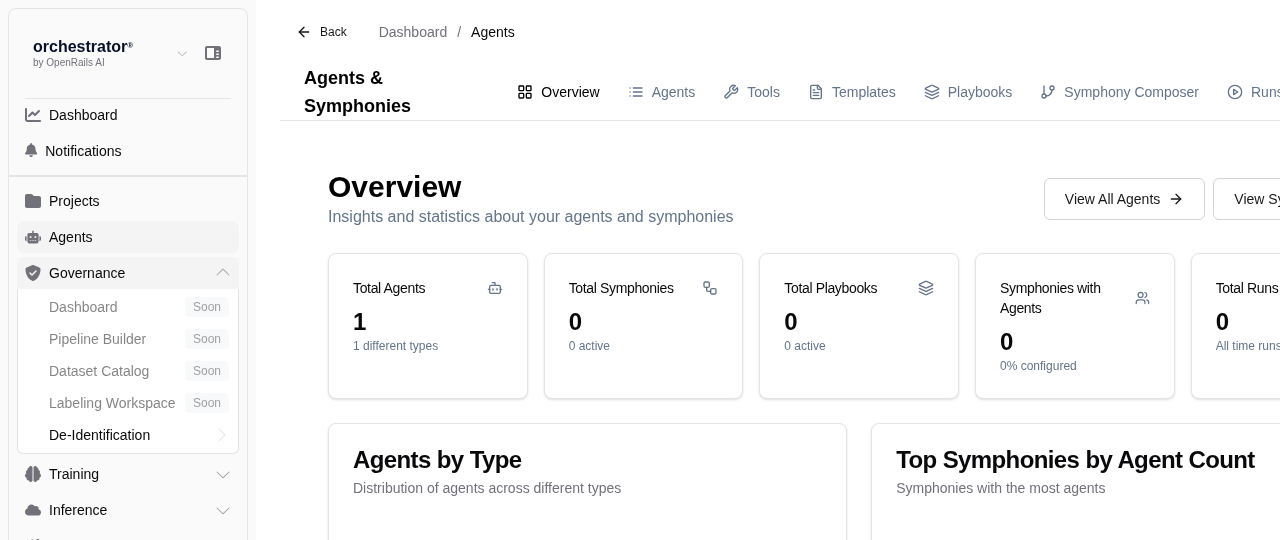
Agents in OpenRails are autonomous entities that can perform tasks using tools, access documents, and interact with external services. Each agent has a type that determines its role in workflows: producer, transformer, or writer.
Agent Types
| Type | Description | Typical Use |
|---|---|---|
| Producer | Generates content, data, or analysis from scratch | Research, content generation, data extraction |
| Transformer | Takes input and transforms it into a different format or structure | Data transformation, translation, summarization |
| Writer | Produces final output such as reports, documents, or database entries | Report generation, database writes, file output |
Create an Agent
Navigate to Agents
From the sidebar, click Agents to view the agent list for your project.
Click "New Agent"
Click New Agent to open the agent creation form.
Enter Agent Details
Fill in the basic configuration:
- Agent Name — A descriptive name for the agent
- Description — What this agent does and when to use it
- Type — Select Producer, Transformer, or Writer
- LLM Model — Choose the model that powers this agent
Write the System Prompt
Define the agent's behavior with a detailed system prompt. Include instructions for how the agent should use its tools, what outputs to produce, and any constraints on its behavior.
Assign Tools
Select the tools the agent can use from the tool catalog. See Configuring Agent Tools for details on available tools.
Link Documents
Optionally link data lakes to give the agent RAG access to your documents during execution.
Set Budget Limits
Configure execution constraints:
- Time Limit — Maximum execution time per run
- Step Limit — Maximum number of tool invocations per run
Save the Agent
Click Save to create the agent. You can now run it manually or include it in symphonies and playbooks.