Agent Templates
Create reusable agent templates with versioning, step definitions, and categories
Overview
Agent templates allow you to save proven agent configurations as reusable blueprints. Templates capture the agent type, system prompt, tool assignments, budget limits, and step definitions. They can be versioned, categorized, and shared across projects.
Create a Template
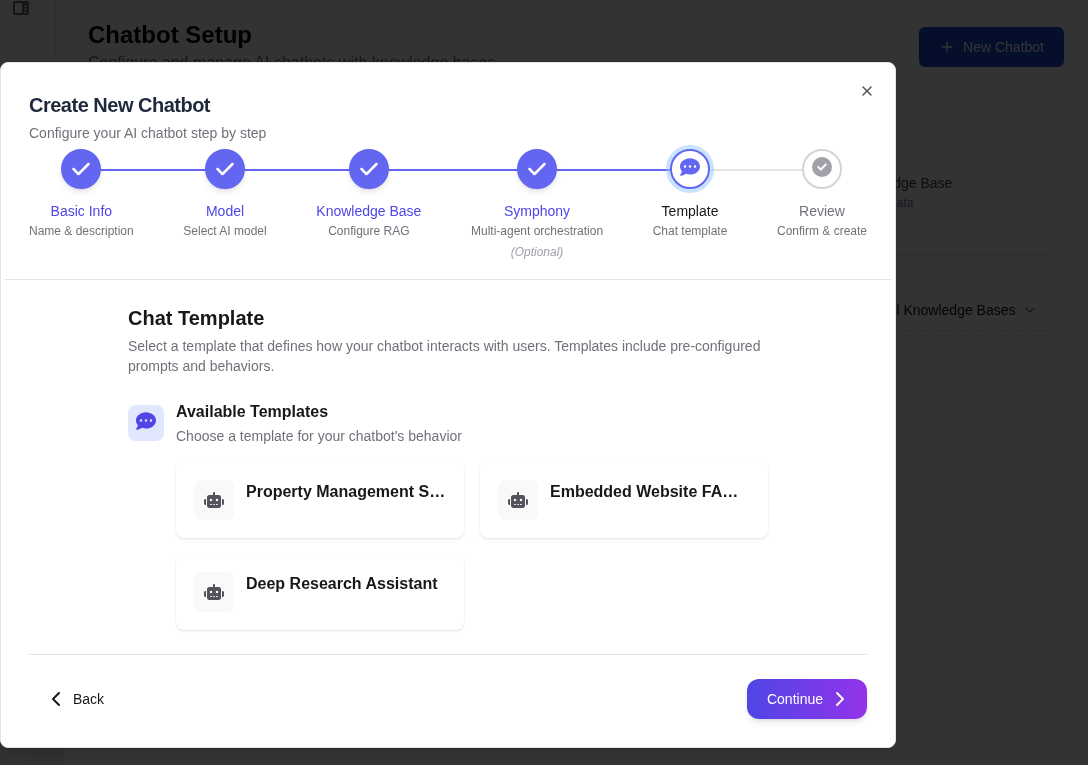
Navigate to Templates
From the Agents section, click the Templates tab to view existing templates.
Create from Existing Agent
The easiest way to create a template is from an existing agent. Open the agent, click the Actions menu, and select Save as Template.
Enter Template Metadata
Fill in the template details:
- Template Name — A clear name describing the template's purpose
- Category — Categorize for easy discovery (e.g., "Research", "Data Processing", "Reporting")
- Description — Explain what this template does and when to use it
- Version — Initial version number (e.g., 1.0)
Define Step Definitions
For complex agents, define the expected execution steps:
- Step Name — Description of each step in the workflow
- Expected Tool — Which tool the agent should use at this step
- HITL Gate — Whether this step requires human approval
Save Template
Click Save to store the template. It is now available for creating new agents.
Template Versioning
Templates support semantic versioning. When you improve a template, create a new version to preserve the original:
- Patch version (1.0.1) — Minor prompt tweaks or bug fixes
- Minor version (1.1.0) — New tools added or step changes
- Major version (2.0.0) — Significant behavior changes or restructuring
Existing agents created from a template are not automatically updated when a new version is published. Update them manually by re-applying the template.
Create Agent from Template
Browse Templates
When creating a new agent, click Start from Template to browse the template catalog.
Select a Template
Choose a template and version. Review its configuration, tools, and step definitions.
Customize
Modify any settings to suit your specific needs. The template provides defaults that you can override.
Save the Agent
Save to create a new agent based on the template. The agent retains a reference to the source template and version.