Creating Test Cases
Author test cases with expected outputs, tags, and scoring criteria for automated evaluation
Overview
Test cases are the foundation of OpenRails evaluations. Each test case defines an input prompt, expected output, and scoring criteria. When an evaluation runs, the system sends the input to your bot or agent, compares the response against the expected output, and assigns a pass/fail score.
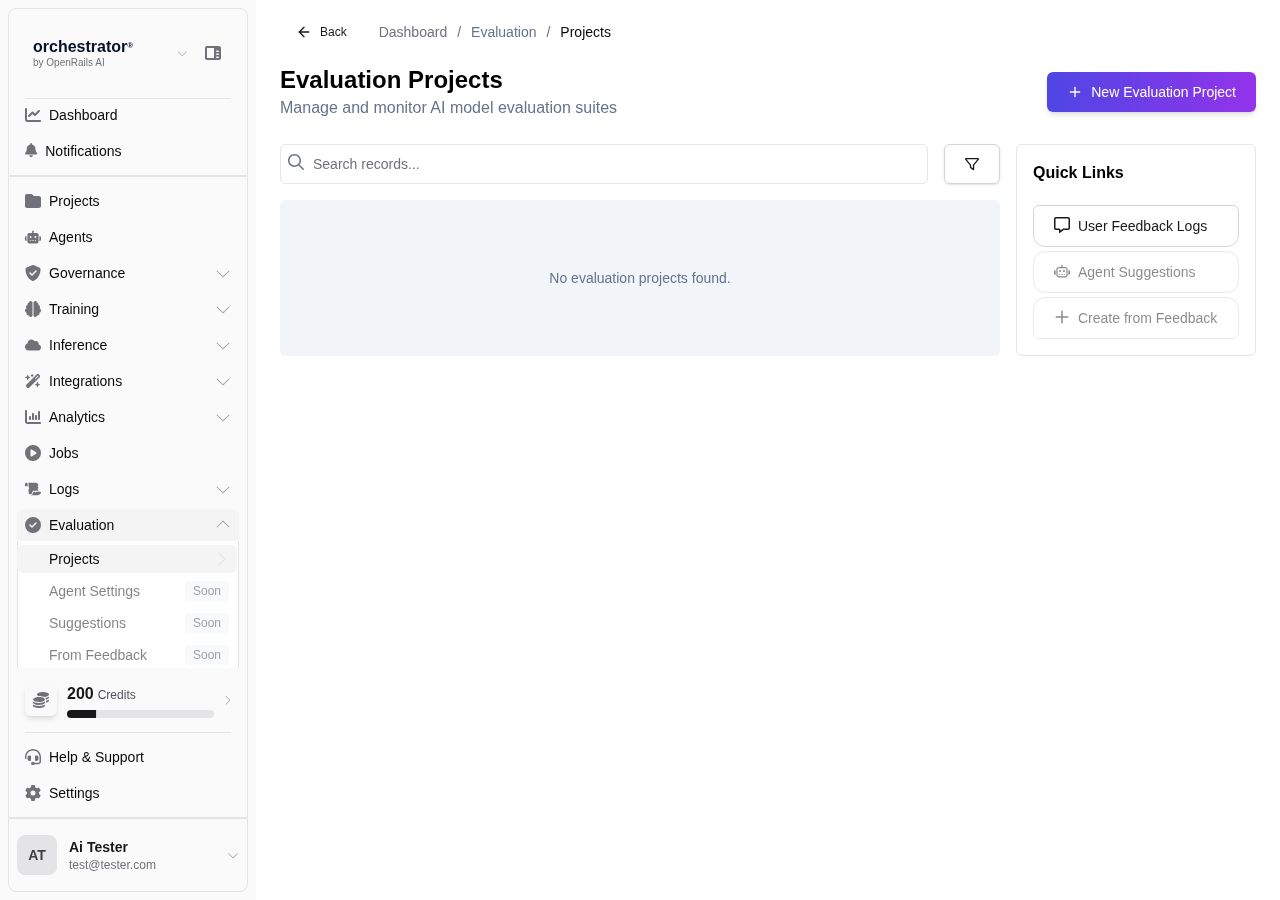
Create a Test Case
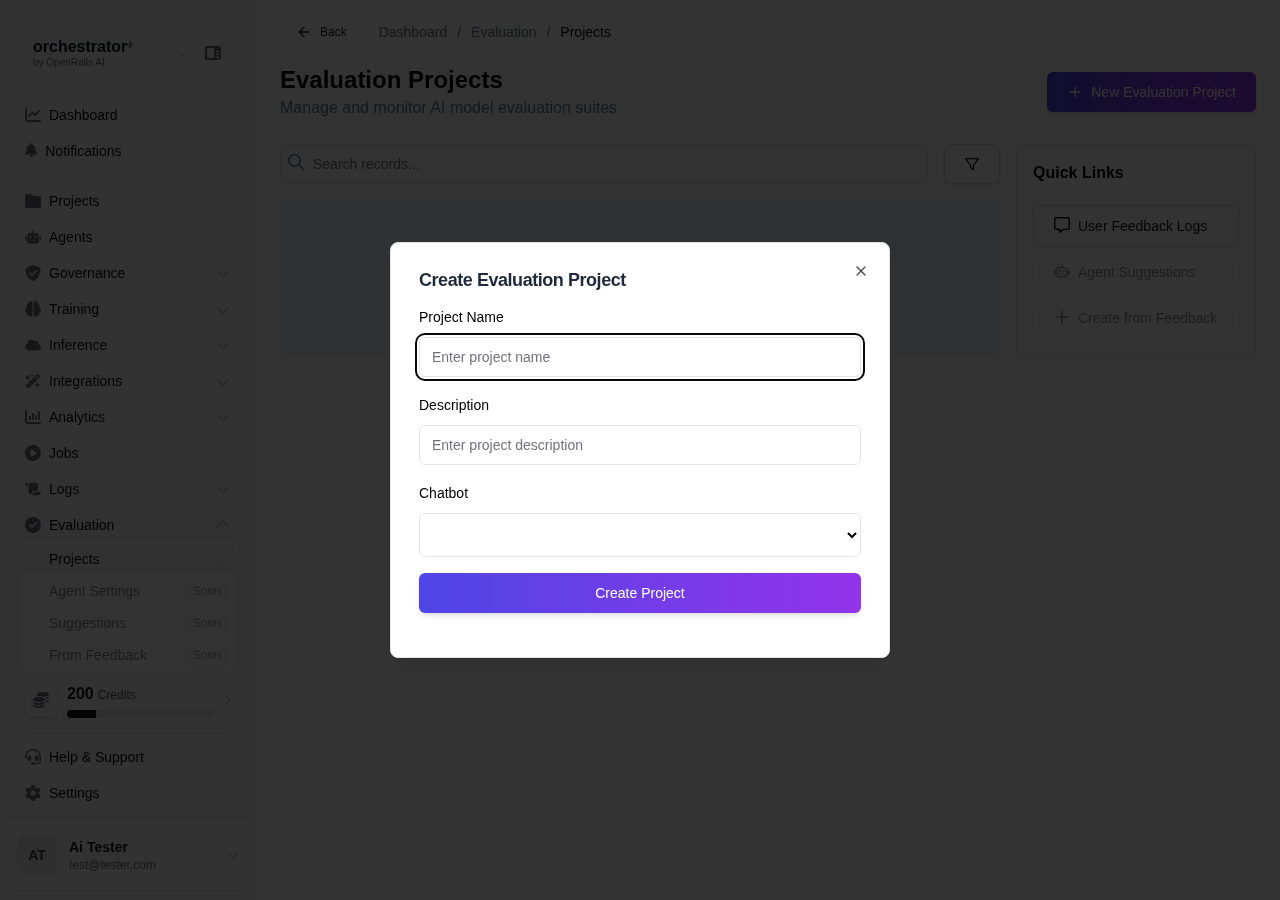
Navigate to Evaluations
From the sidebar, click Evaluations and select an evaluation project (or create one).
Click "Add Test Case"
Click Add Test Case to open the test case editor.
Define the Input
Enter the input prompt that will be sent to the bot or agent. This should be a realistic user query or task description.
Define the Expected Output
Provide the expected response or output. When the evaluation runs, the AI's response will be compared against this expected output and scored for accuracy, confidence, and latency.
Add Tags
Tag the test case for organization and filtering:
- Category Tags — e.g., "product-info", "pricing", "troubleshooting"
- Priority Tags — e.g., "critical", "regression", "edge-case"
Configure Scoring
Set the scoring criteria:
- Scoring Method — Choose between exact, contains, semantic, or pattern match
- Pass Threshold — Minimum score required to pass (for semantic similarity)
- Weight — Relative importance of this test case in the overall score
Save Test Case
Click Save to add the test case to the evaluation project.
Bulk Import
For large test suites, you can import test cases from a CSV file:
- Column format:
input, expected_output, scoring_method, tags - Upload the CSV from the evaluation project's Import button
- Review imported test cases before saving
Test Case Best Practices
- Write test cases that cover common user queries and edge cases
- Use semantic similarity scoring for open-ended responses where exact matching is too strict
- Tag test cases consistently to enable filtered evaluation runs
- Include negative test cases (inputs the bot should refuse or redirect)
- Review and update test cases regularly as your bot's capabilities evolve